Built for legal professionals
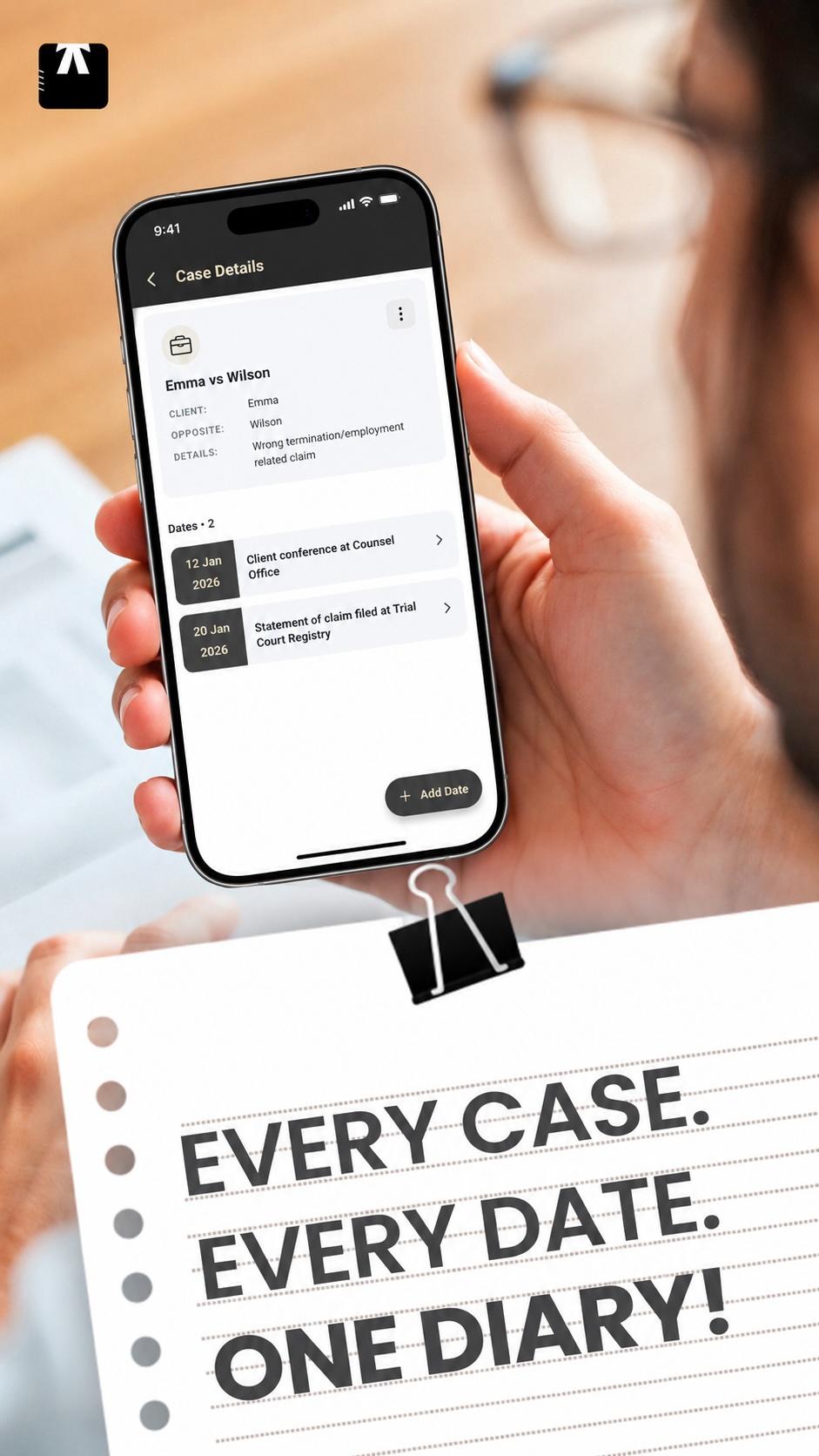
Every case. Every date. One diary.
Keep matters, court dates, notes, and reminders together in a focused workspace designed for the rhythm of legal practice.
Offline-friendly
Optional secure sync
Helpful date reminders
The daily essentials
Less juggling. More clarity.
Lawyer Diary turns the moving parts of a matter into a simple, visual workflow—so the next important date is never buried.
01 / CALENDAR
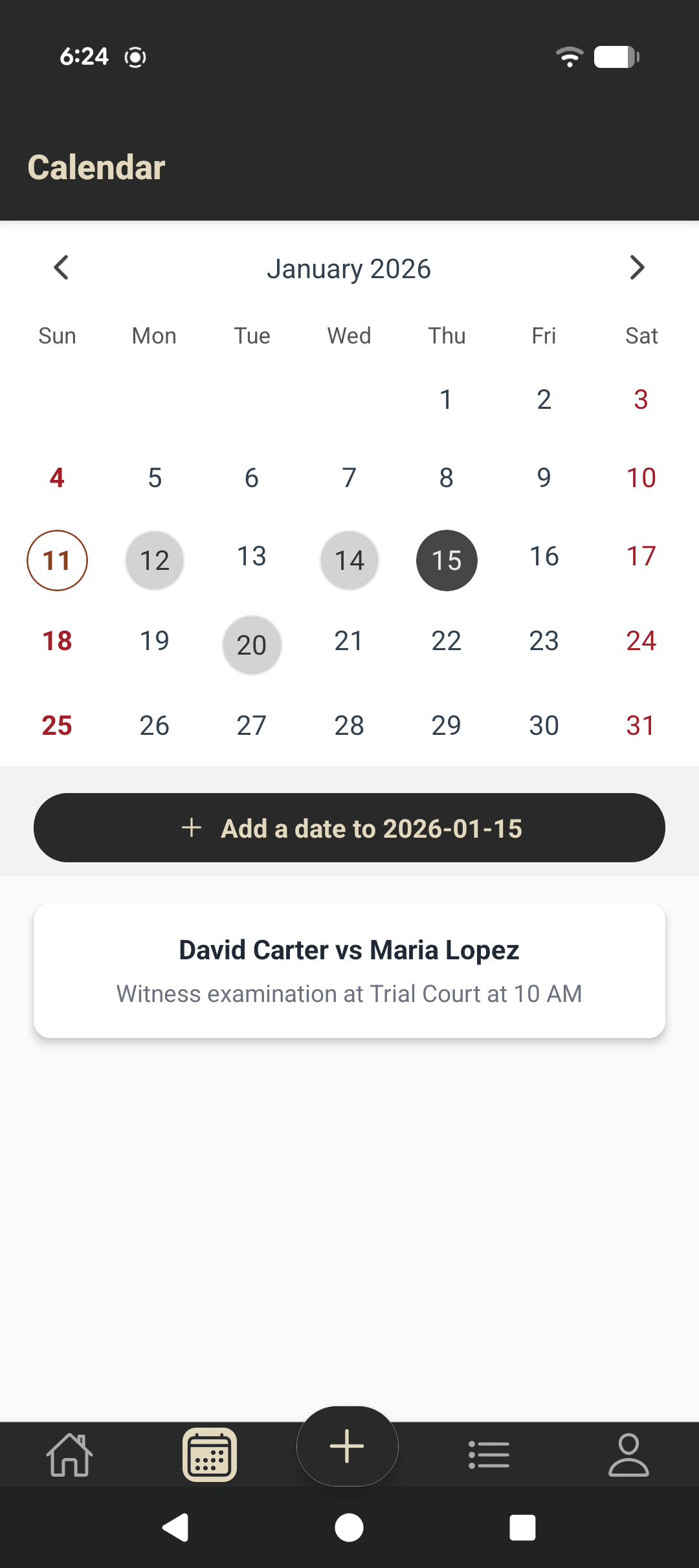
See your court schedule at a glance.
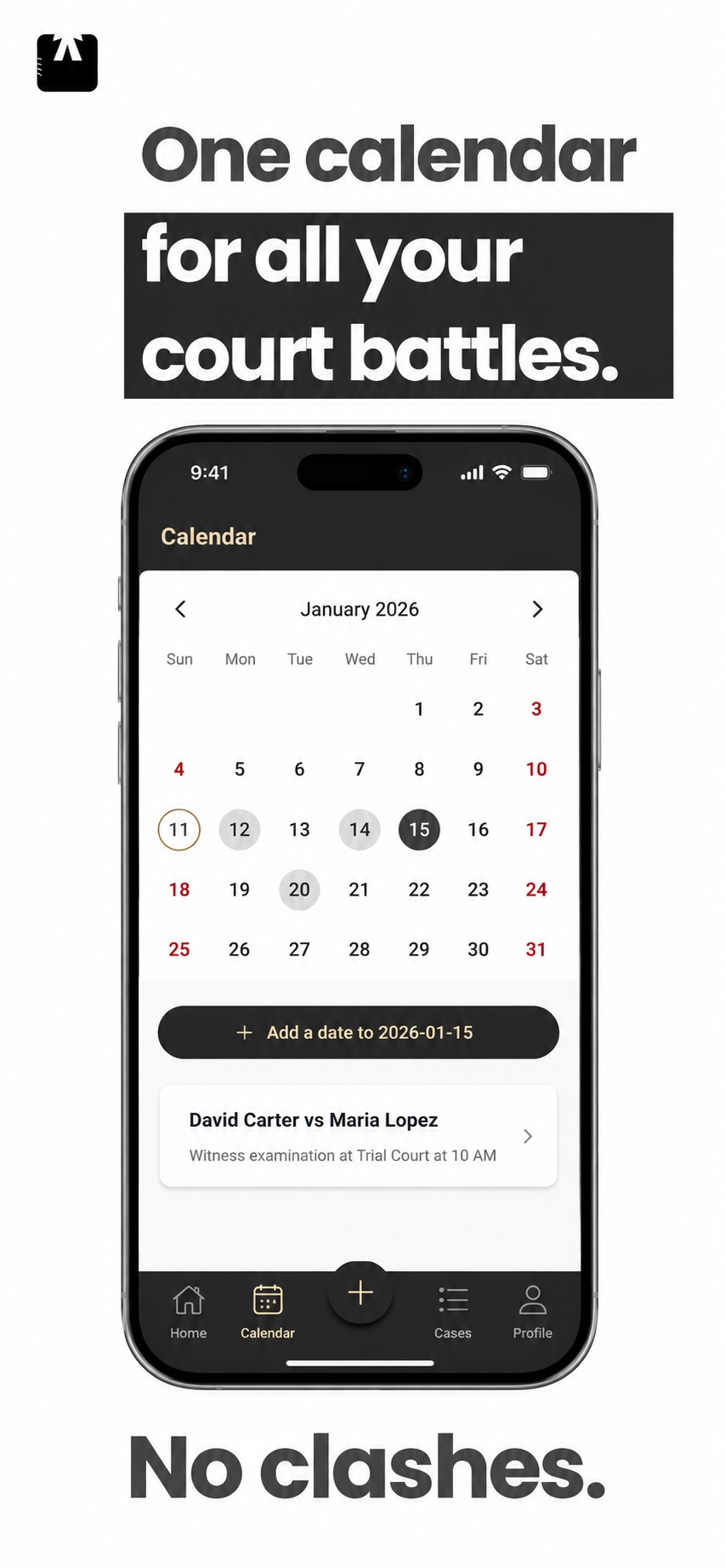
Move through the month, spot active dates immediately, and open the matter connected to each hearing, filing, meeting, or deadline.
- One calendar for every matter
- Visual markers for scheduled dates
- Case context without calendar clutter
02 / MATTERS
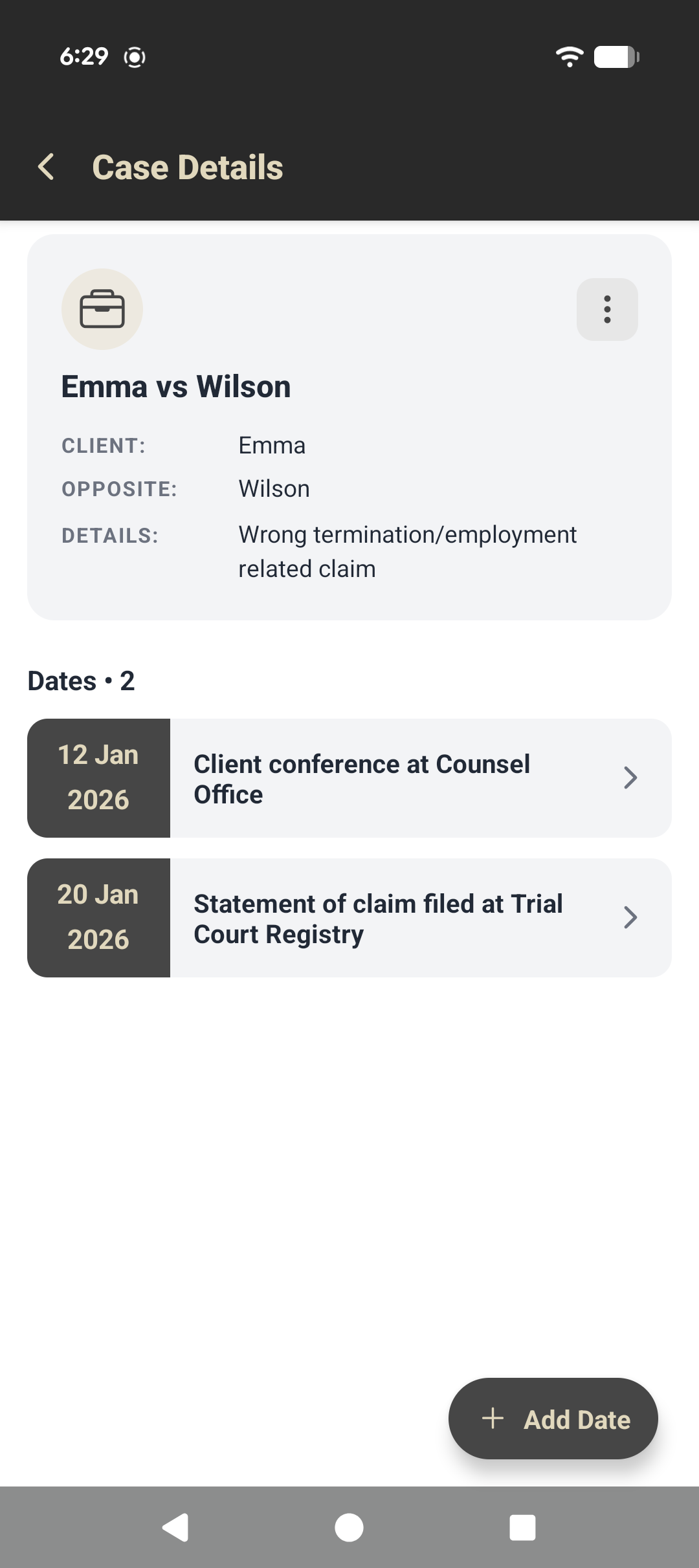
Keep each case and its dates connected.
Capture the parties, case context, and every relevant date in a single place. Your matter history stays structured and easy to revisit.
- Focused case summaries
- Chronological date records
- Notes for court, filing, and client work
03 / CAPTURE
Record the detail while it is still fresh.
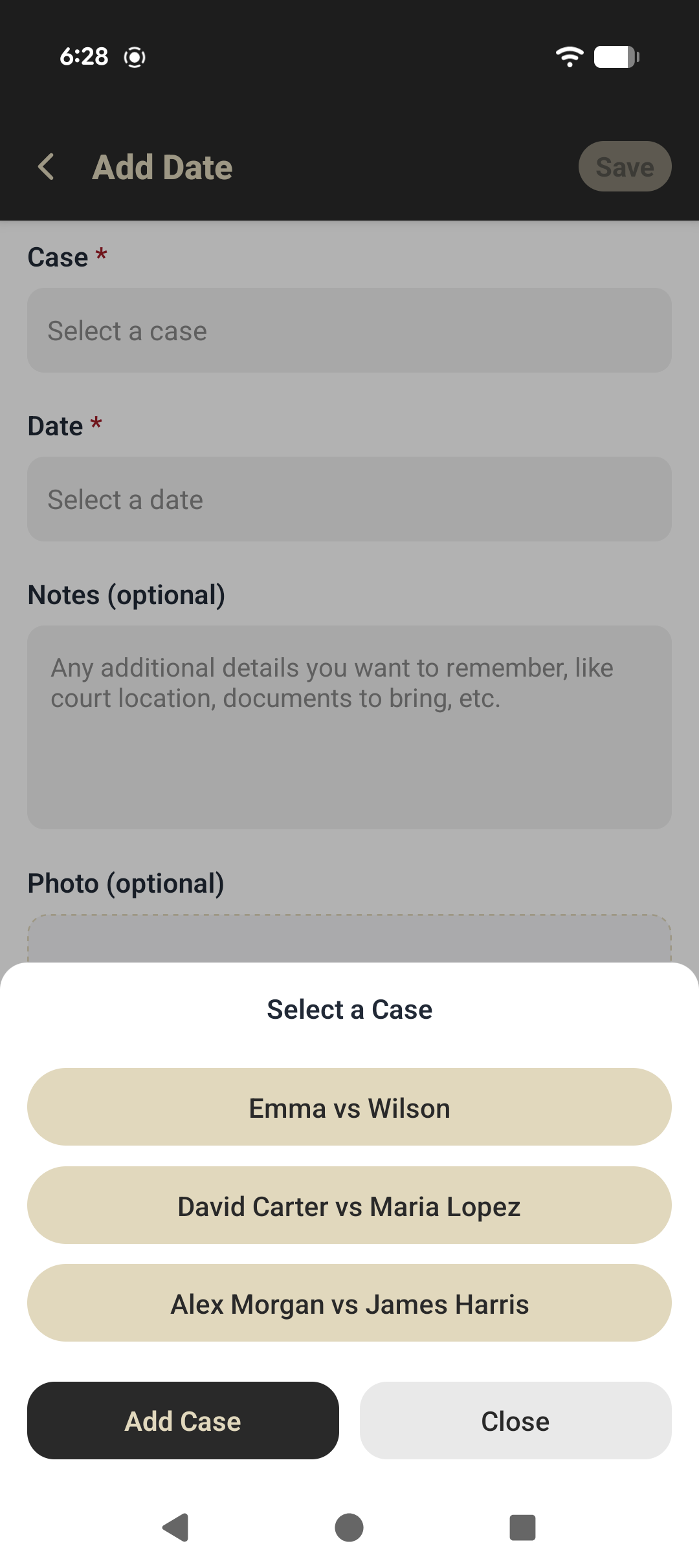
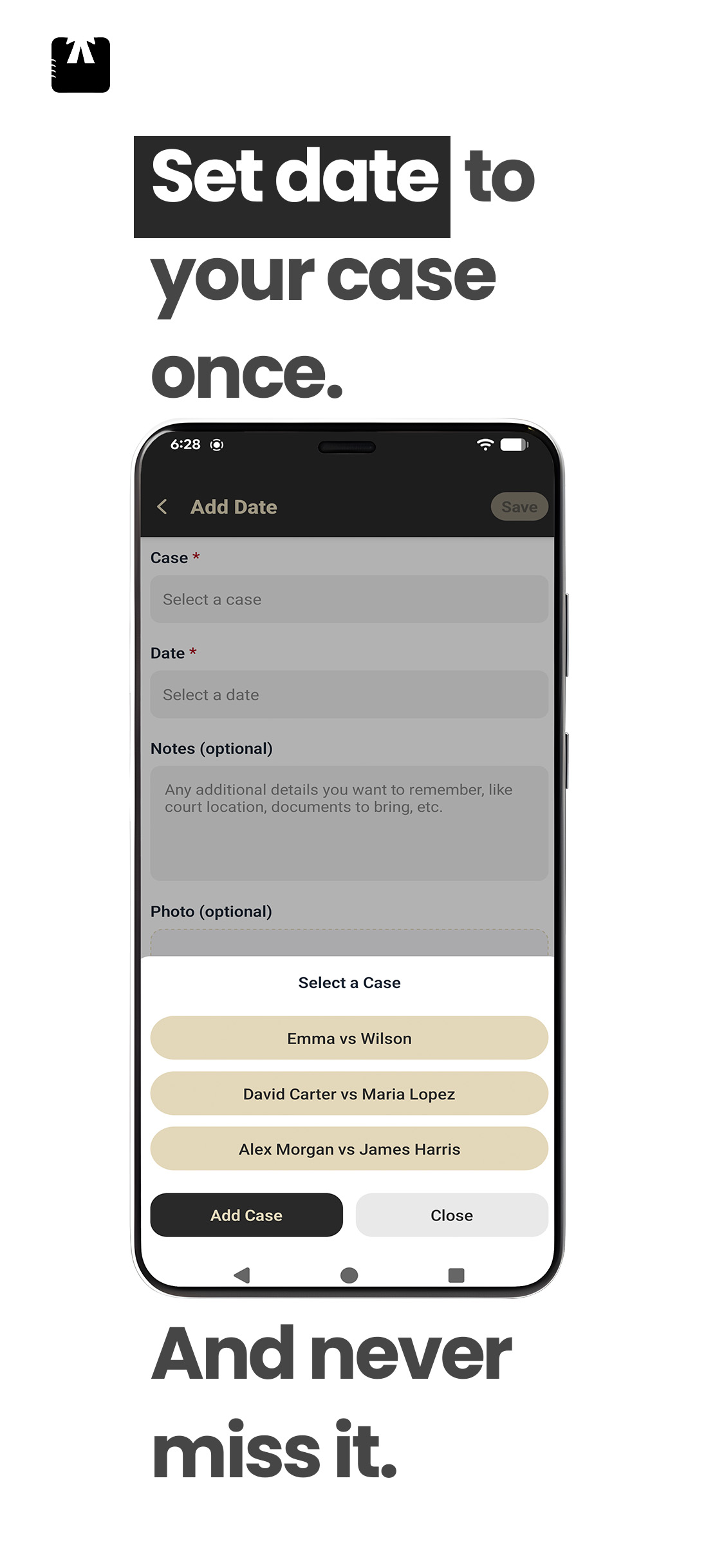
Add a date to the right case, note what matters, and attach a reference photo when extra context will help you prepare later.
- Fast case and date selection
- Optional notes and photo attachments
- Fewer details left to memory
Built around your day
The right information, right when you need it.
01
Structured matters
Keep parties, details, and upcoming dates together instead of across disconnected notes.
02
Useful reminders
Enable notifications for the court dates and deadlines that need your attention.
03
Works offline
Review and capture core information even when a reliable connection is not available.
04
Secure sync
Sign in when you want encrypted cloud sync and access across supported devices.
Privacy by design
Your practice deserves thoughtful safeguards.
Lawyer Diary is designed to keep you in control of where your information lives and when it syncs.
01
Local-first workflow
Core app data remains available on your device, including when you are offline.
02
Sync when you choose
Signing in enables secure cloud synchronization across supported experiences.
03
Sensitive fields encrypted
Sensitive case information is encrypted per user when it is synchronized.
Common questions
A few useful details.
Can I use Lawyer Diary without an internet connection?
Yes. Lawyer Diary is designed around an offline-friendly workflow, so core case and date information remains available on your device.
Can I add notes and photos to a date?
Yes. A matter date can include optional notes and a reference photo to keep practical context close to the event.
Where can I download the app?
Lawyer Diary is available on the App Store and Google Play.
How do I learn more about data handling?
Read the Lawyer Diary privacy policy for details about local data, optional cloud sync, account information, and your choices.
Stay ahead of every important date.
Bring your cases and schedule into one focused legal diary, built to help you prepare with less friction.